
A fast, beautiful player for your own playlists
Digital IPTV plays the M3U and Xtream Codes playlists you already have, on your TV, phone, tablet and Windows PC.
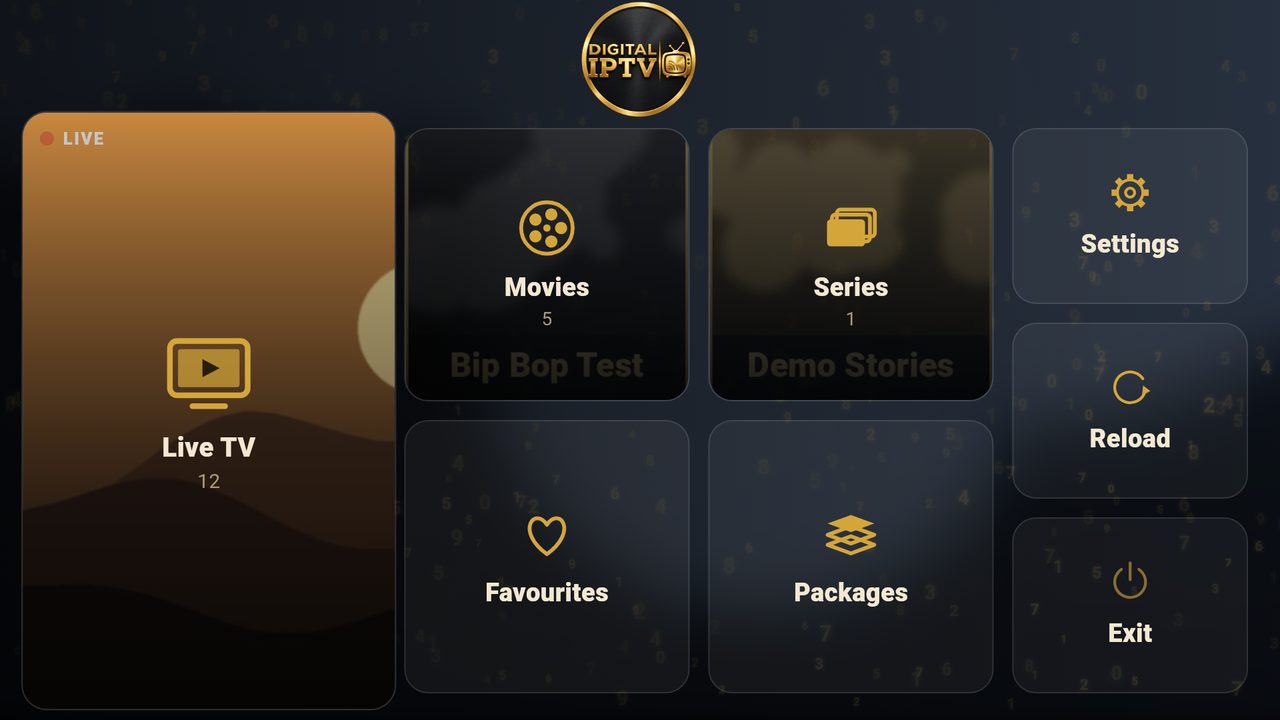
How it works
- Install Digital IPTV and open it. The start screen shows your Device ID and PIN.
- Log in here with the Device ID and PIN, and add your playlist.
- Press Reload in the app. Your channels, movies and series appear.
Why Digital IPTV
Fast on every device
Opens big playlists in seconds, with a smooth player that keeps going.
Live TV, movies and series
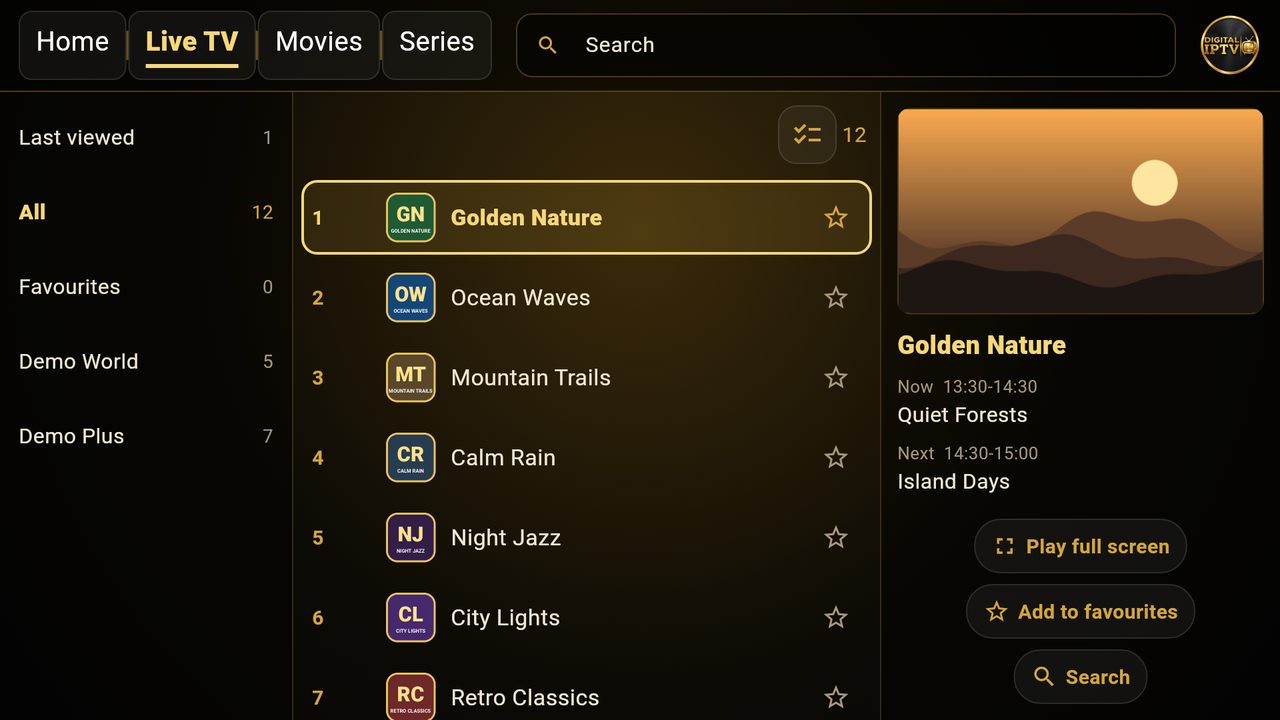
Clear groups, a TV guide, favourites and catch-up where your playlist offers it.
Your playlists, your way
Add, change or remove playlists on this website. The app picks them up when you press Reload.
Private and safe
Lock playlists with a PIN and keep adult groups locked.
Beautiful themes
Choose the look you like: gold-and-black themes, backgrounds and layouts.
11 languages
English, Arabic, Swahili, French, Hindi, Urdu, Turkish, Spanish, Portuguese, Chinese and German.
Supported devices
Download
Google Play
Android TV, phones and tablets
Coming soonFire TV
Amazon Fire TV and Fire TV Stick
Coming soonWindows
Windows 10 and 11
Coming soonAndroid app (APK)
For Android boxes without Google Play
Coming soonFrequently asked questions
Does Digital IPTV include channels?
No. Digital IPTV is only a player. It does not come with any channels, playlists or subscriptions. You add your own playlist from your provider.
Where do I find my Device ID and PIN?
Open the app. They are shown on the start screen and in Settings.
Which playlists work?
M3U and M3U8 links, and Xtream Codes logins (server address, username and password). You can add up to 5 playlists to each device.
I added a playlist but the app does not show it.
Press Reload in the app, or close it and open it again.
I typed a wrong PIN too many times.
For your safety the device is locked for 15 minutes after 5 wrong tries. Then try again with the PIN shown in the app.
How do I keep using the app after the free trial?
Log in here and open your device page. If you installed the app from Google Play, activate it inside the app.
Is my data safe?
We keep only what the app needs: your Device ID, your playlists and the email address for your login codes. See the privacy policy.